01Lesbian webcam ai · 18+ · one-way rooms
Lesbian webcam AI that leaves your own camera dark
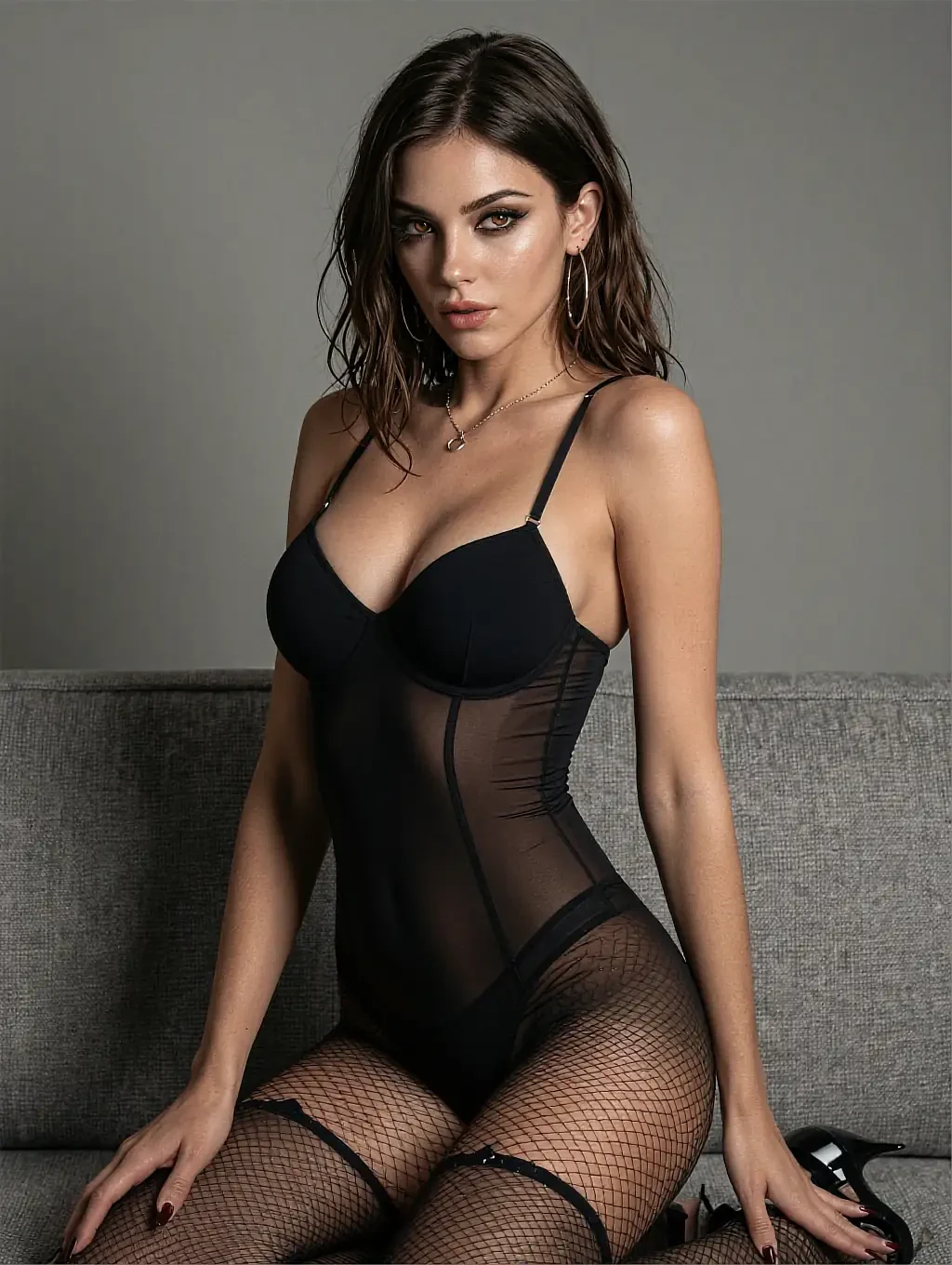



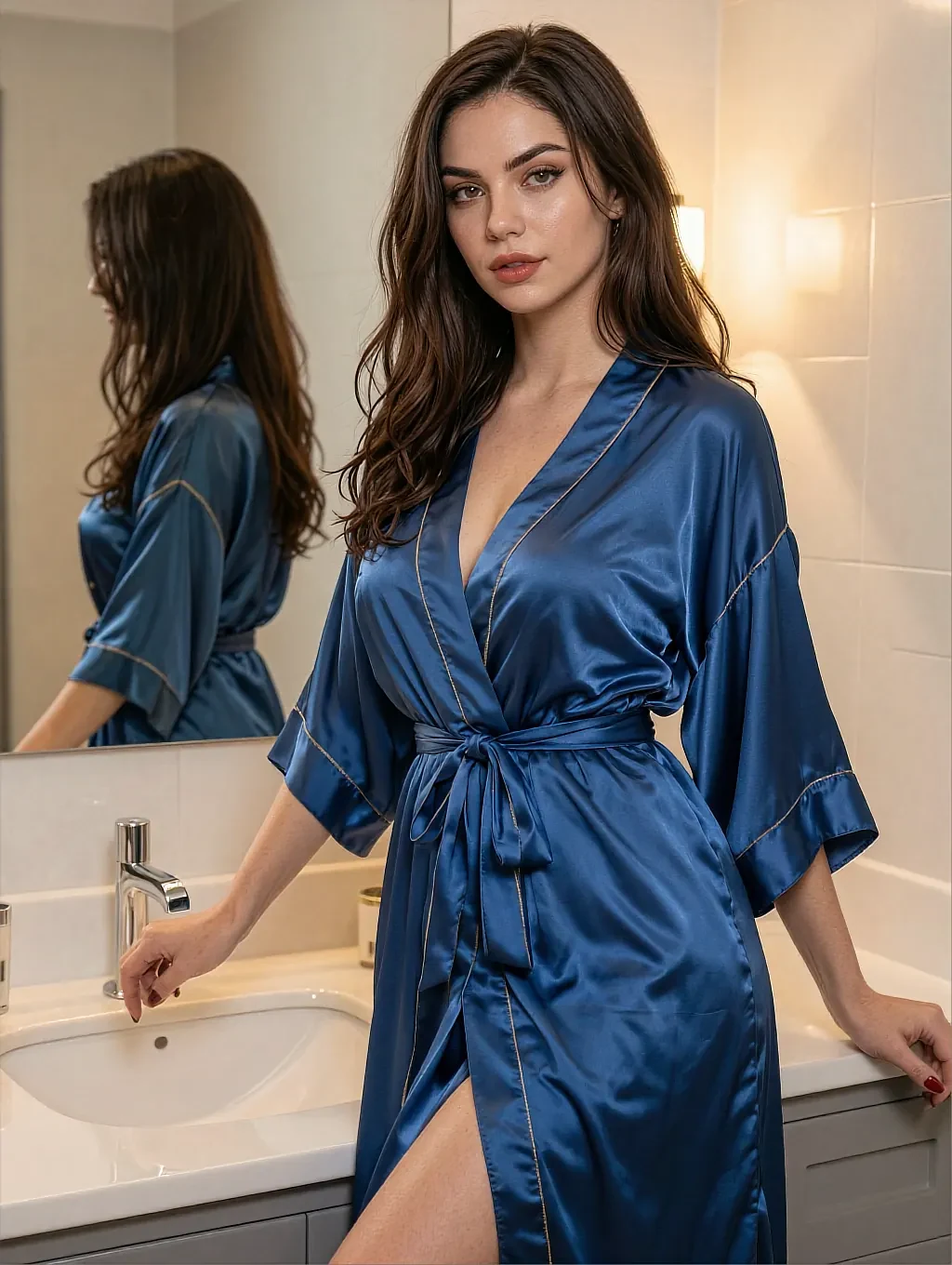
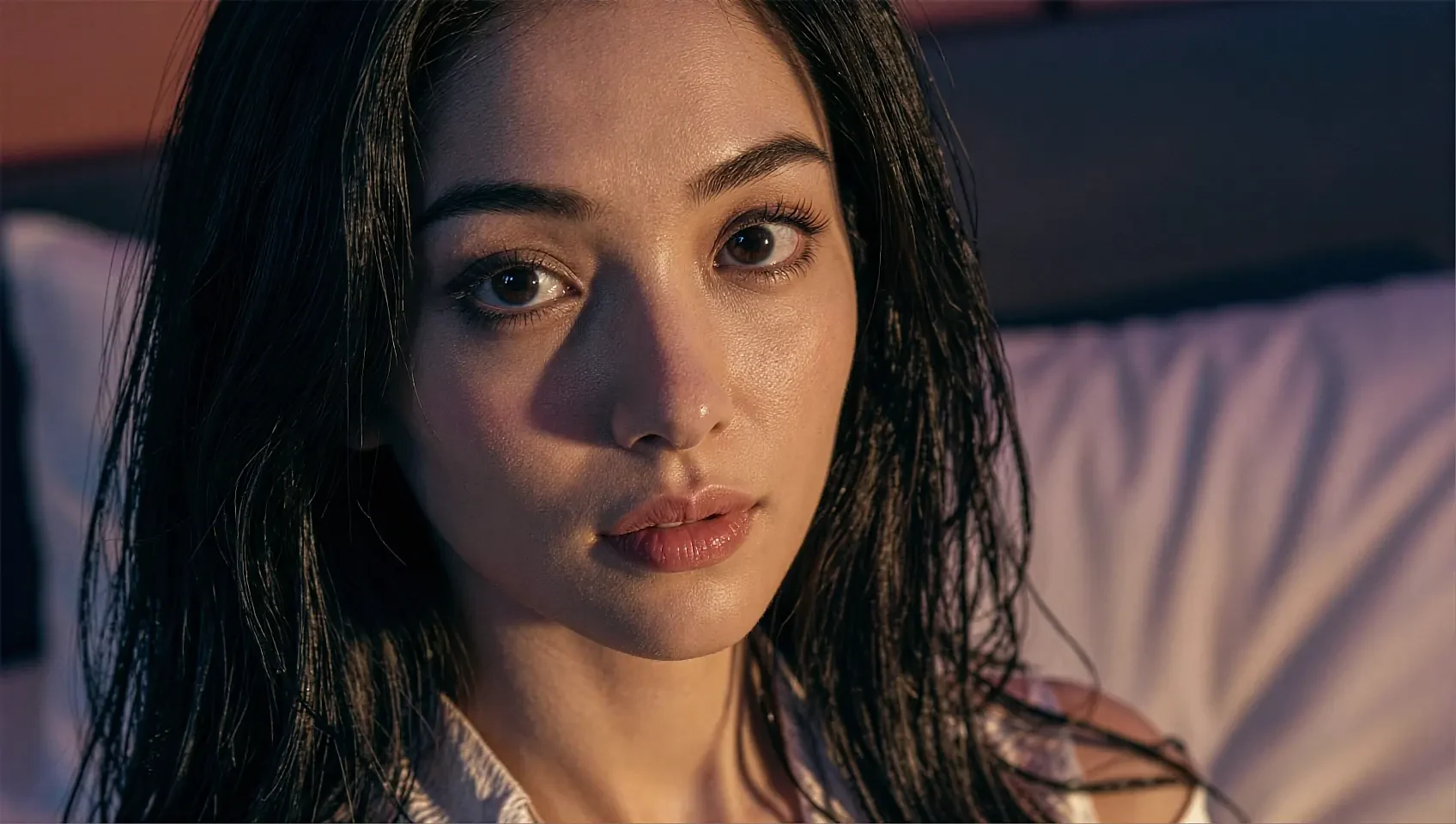
There is no permission prompt, no upload field and no little preview window of your face in the corner. The only picture in the room is hers, and that is a structural fact about how the product is built rather than a setting you have to remember to switch off.
Fictional AI characters. Nobody is broadcasting and nobody here is a real person.

Your camera stayed off. There is nothing on my side to look back with.
- No camera prompt
- No upload
- Browser tab
- 18+
02The detail
What one-way actually means, in plain terms
Most privacy copy describes a promise. This describes an absence: there is no code path in a room that reaches for your camera, because there is nothing on the other side that could receive it.
A lesbian webcam ai room differs from a two-way cam site in the most literal way possible. On a cam site, the architecture assumes two feeds and the privacy question becomes which of them you have turned off, and whether you trust the setting. Here there is one feed and it goes one direction: her portrait renders in your browser, your device sends text. The browser never fires a getUserMedia prompt because nothing asks for one, which is a far stronger guarantee than a toggle you have to trust.
The second thing people ask about is what leaves the device at all. The honest answer is: what you type, so that a reply can come back — the same as any chat product, and the privacy policy on this site says so without decoration. There is no contact import, no friends-of-friends graph, no public profile grid with your picture on it and no recording of anything on your side, because there is nothing on your side to record.
The third is the one nobody asks out loud: what it looks like afterwards. It runs in a browser tab, so there is no store listing, no icon on a home screen and no app in a purchase history to explain. Closing the tab is the whole exit procedure, and the room does not follow you anywhere.
What works well
- No camera permission is ever requested — there is no prompt to decline
- No upload field, no photo of you, no preview window anywhere
- Runs in a browser tab with nothing added to an app drawer
- No contact import and no public profile grid
- Rooms can be deleted, and closing the tab ends the session outright
Worth knowing first
- One-way means you never see a real person either — every room is fiction
- What you type does leave the device, because a reply has to come back
- Video calling is simply not a feature here, by design
- Some features sit behind a paid tier
- 18+ only, with an age notice before anything loads
03On this page
Three rooms where the only picture is hers
Each one is lit for a room with a closed door rather than for a broadcast set with an audience in front of it.
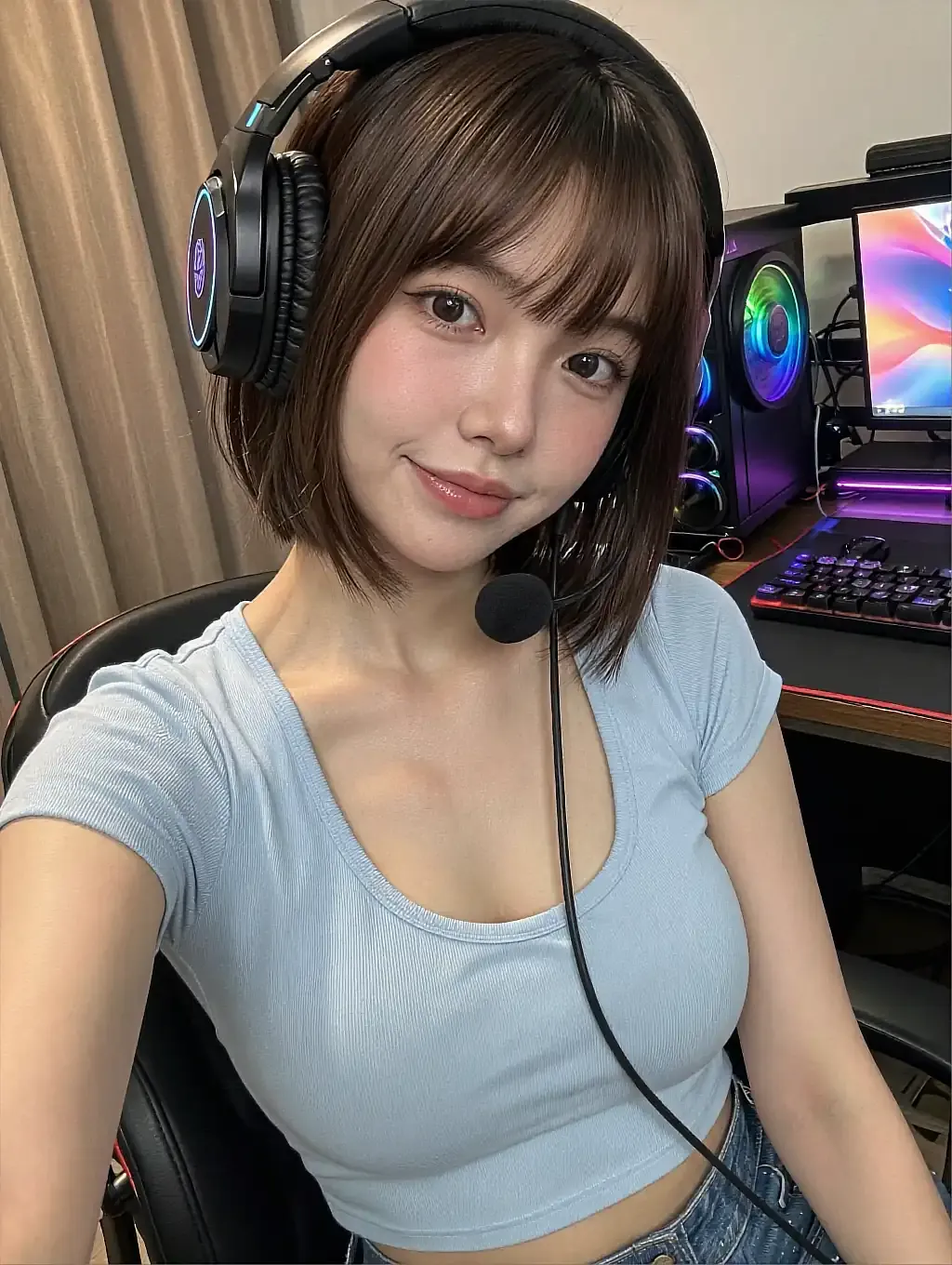
A headset on at her own desk, and still only one camera in the room.

A corridor, a red dress, and nothing pointing back the other way.

Lit by one coloured lamp, with nobody else invited in.
04In practice
What you can check for yourself in thirty seconds
Open a room and watch the browser's address bar. On a two-way cam site you would see a camera icon appear the moment the session starts, and a permission dialogue before that. Here neither happens, at any point, in any room — which is a thing you can verify yourself rather than take on trust from a paragraph like this one.
The second check is the app drawer. There is nothing to install, so nothing appears on your home screen and nothing shows up in a store purchase history. If you want the room gone, close the tab; if you want the history gone, delete the conversation. Both are one action, and neither requires talking to anybody.
05Quick answers
One-way rooms — quick answers
01Will the site ever ask for my webcam?
02Can I upload a photo of myself?
03What actually leaves my device?
04Does anything show up on my phone afterwards?
06Keep reading
Four more pages on lesbian AI cam rooms
Each one answers a different question this page only touches on.
07Walk in
A room where only one camera was ever involved
One tap on the age notice opens all 259 rooms, and not one of them asks for your camera. Free to start, nothing to install, nothing left behind afterwards.